
Download Pro Metronome APK – metronome, music practice, rhythm training, audio tool, Android app, free metronome, music software, practice tool, music app, rhythm app
Overview
Pro Metronome is a free Android application developed by EUMLab, designed to serve as a reliable digital tool for musicians at all skill levels. The software aims to replicate the core functionality of a physical metronome while offering enhanced customization and convenience for on-the-go practice. It is particularly suited for musicians who need consistent timing support during rehearsal, performance preparation, or daily training routines.
The app enables users to maintain a steady pulse, improve rhythmic accuracy, and develop internal timing through customizable settings. Its primary purpose is to support rhythm training and music practice by providing precise timing cues in various time signatures and tempos. The developer did not provide additional background on EUMLab’s history or other products.
Real-world use cases include practicing scales, mastering complex rhythmic patterns, and preparing for live performances. The app is especially beneficial for beginners learning timing fundamentals and intermediate to advanced players refining their precision. Despite its digital nature, the software is intended to be a dependable companion to traditional practice methods.
Key Features & Capabilities
- Real-time playback technology – Ensures accurate timing by synchronizing beat output with the device’s audio engine, minimizing latency during practice sessions.
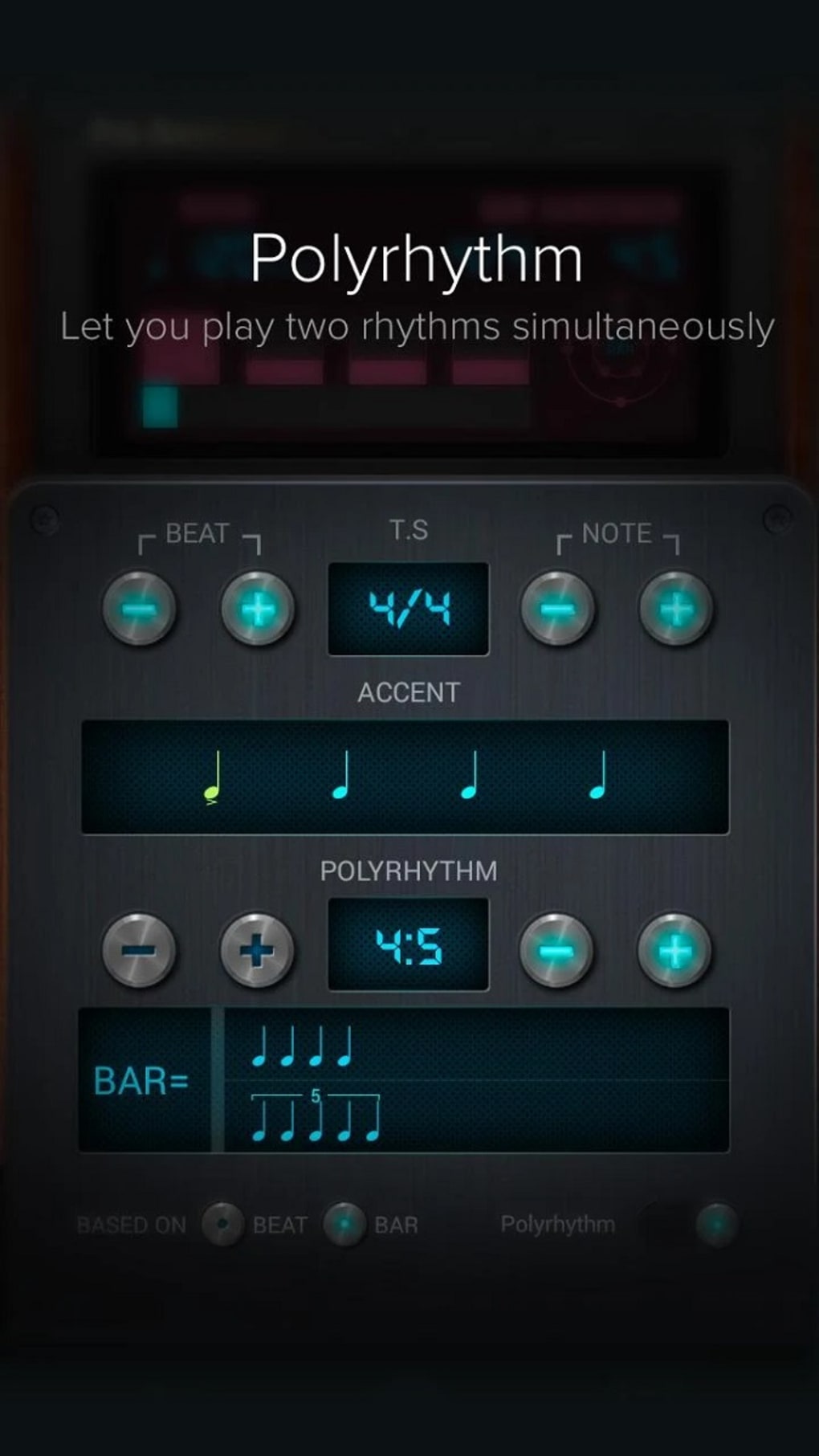
- 13 time signature presets – Offers flexibility for users working with diverse musical styles, from common 4/4 to complex 5/8 or 7/8 signatures.
- Customizable tempo range – Allows users to set beats per minute (BPM) from low to high speeds, accommodating both slow practice and fast technical exercises.
- Counting voice feature – Provides verbal count of beats, helping users internalize rhythm and improve timing awareness, especially during self-practice.
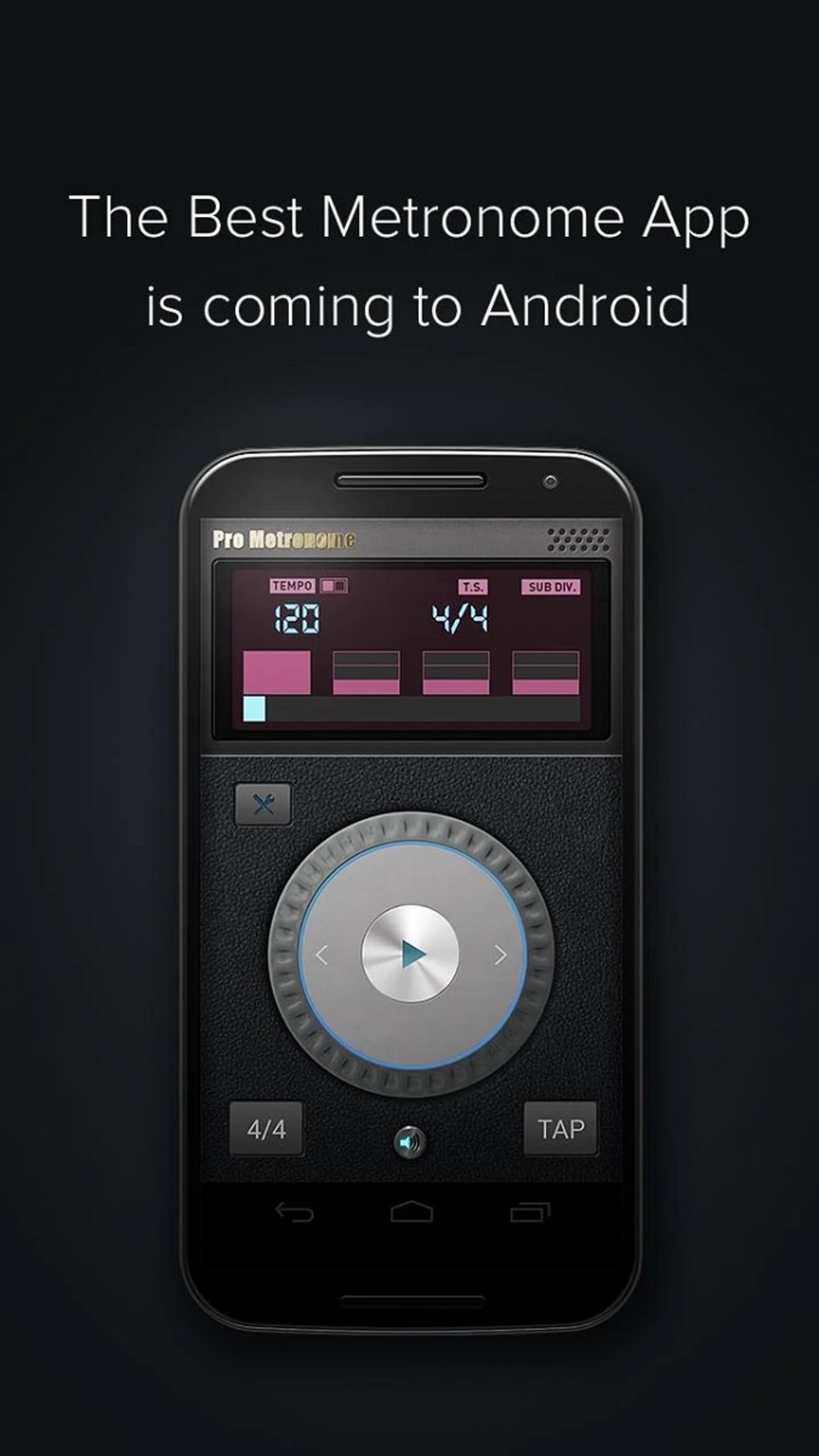
- Compact and intuitive interface – Designed for easy navigation on mobile devices, enabling quick access to essential settings without clutter.
- Multiple sound options – Includes various click, beep, and tone variations to suit different preferences and practice environments.
These features support efficient workflow for musicians by enabling rapid setup and consistent timing feedback. For example, a pianist can use the counting voice to rehearse a piece in 6/8 time, while a drummer might adjust the sound type to match their kit’s dynamics. The app’s ability to quickly switch between time signatures enhances practice versatility, making it suitable for genres ranging from classical to jazz and contemporary music.
User Interface, Workflow & Performance
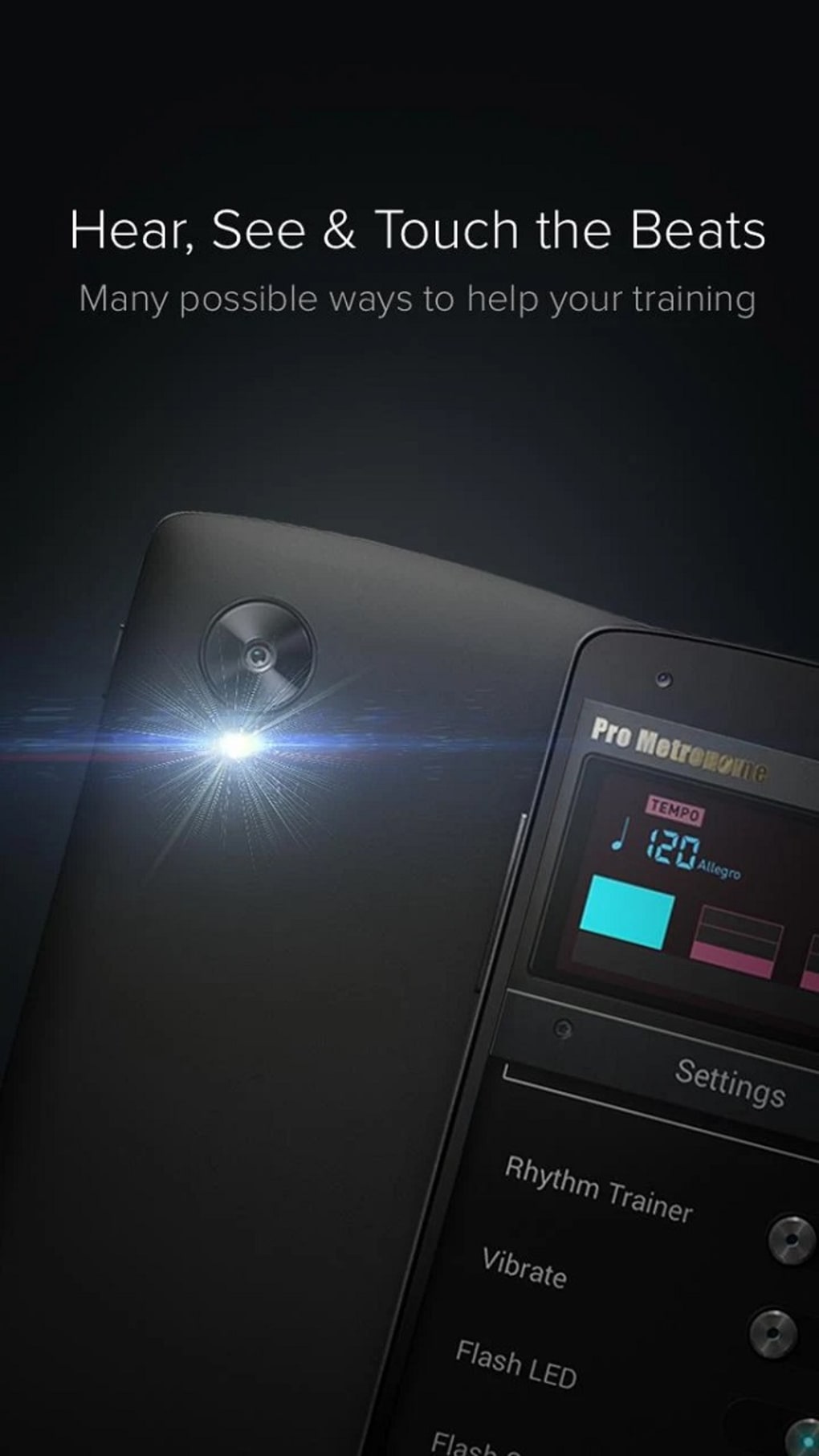
The user interface of Pro Metronome is designed with simplicity and accessibility in mind, featuring a clean layout that prioritizes essential controls. Navigation is straightforward, with clearly labeled buttons for tempo adjustment, time signature selection, and sound customization. The workflow is optimized for minimal steps—users can start or stop the metronome with a single tap, making it ideal for quick practice sessions.
The app’s responsiveness appears consistent under normal conditions, though some users have reported occasional freezing. The developer did not specify resource usage details, so CPU and RAM behavior remain unclear. Performance observations are based on general software behavior patterns.
Stability may vary depending on device hardware and Android version. The app’s lightweight size of 14.2 MB suggests it is optimized for low storage consumption. While the interface is compact, it maintains sufficient visual clarity for on-the-go use, though screen size limitations may affect usability on smaller devices.
Compatibility & System Requirements
Pro Metronome is designed for Android devices, with the current version listed as 2.1.1. The application is available for download on Android operating systems, though specific OS version compatibility was not provided. Installation requires approximately 14.2 MB of storage space.
The developer did not specify minimum hardware requirements such as processor speed, RAM, or GPU capabilities. Exact system requirements were not listed. Users should ensure their device supports APK installation and has sufficient permissions enabled for audio playback.
Compatibility information is limited to the platform and version stated. It is recommended to check device compatibility before downloading, especially on older or non-standard Android builds.
Pros and Cons
Pros
- Free to download and use, making it accessible for students and hobbyists.
- Offers 13 time signature options for diverse rhythmic training.
- Includes a counting voice to aid in internalizing rhythm and timing.
- Real-time playback ensures precise beat delivery.
- Compact design with intuitive interface for mobile use.
- Multiple sound types allow personalization based on practice needs.
Cons
- Occasional crashes reported by users, potentially disrupting practice sessions.
- No official information on minimum system requirements.
- Performance may vary across different Android devices.
- Relies on device audio capabilities, which may affect consistency on low-end hardware.
- Not available on iOS or other platforms.
FAQ Section
Is Pro Metronome free to download and use?
Yes, the app is available at no cost. It does not require a subscription or in-app purchases for core functionality.
Can I use Pro Metronome offline?
Yes, the app functions entirely offline once installed. No internet connection is required during use.
Does Pro Metronome support all Android versions?
Compatibility information is limited. While the app is designed for Android, specific OS version support was not provided by the developer.
Is the app safe to install?
Pro Metronome is distributed as an APK file. Users should only download from trusted sources to avoid potential security risks. Always verify the developer’s authenticity before installation.
How often are updates released?
Update frequency is not publicly disclosed. The latest version available is 2.1.1, released on May 10, 2024.
Final Thoughts
Pro Metronome delivers a solid combination of essential metronome functions and advanced customization, making it a valuable tool for musicians practicing on Android devices. Its free access, compact design, and real-time playback technology enhance usability for both beginners and experienced players. While the app excels in core functionality and rhythm training support, occasional crashes may affect reliability during critical practice sessions.
Users should consider this limitation when relying on the app for high-stakes preparation. Despite these concerns, the software remains a powerful, convenient option for on-the-go timing assistance. For musicians seeking a lightweight, feature-rich metronome that fits into a mobile workflow, Pro Metronome is a strong contender.
Download Pro Metronome now.





.png)

